INSTALLATION & SETUP
K5 Installation Guide
Installation animations
Select your product type. Only published animations are shown.
K5 Countertop
DownloadK5 Wall Mount
DownloadK5 Display Unit — Countertop Stand
The shared Square Terminal and Stripe Reader installation and power-connection animations are available below. Other type-specific installation animations have not been published yet.
K5 Display Unit - Wall Mount
DownloadSquare Terminal installation and power connection
DownloadStripe Reader installation and power connection
DownloadLane 3600 installation
DownloadClover Flex Pocket installation
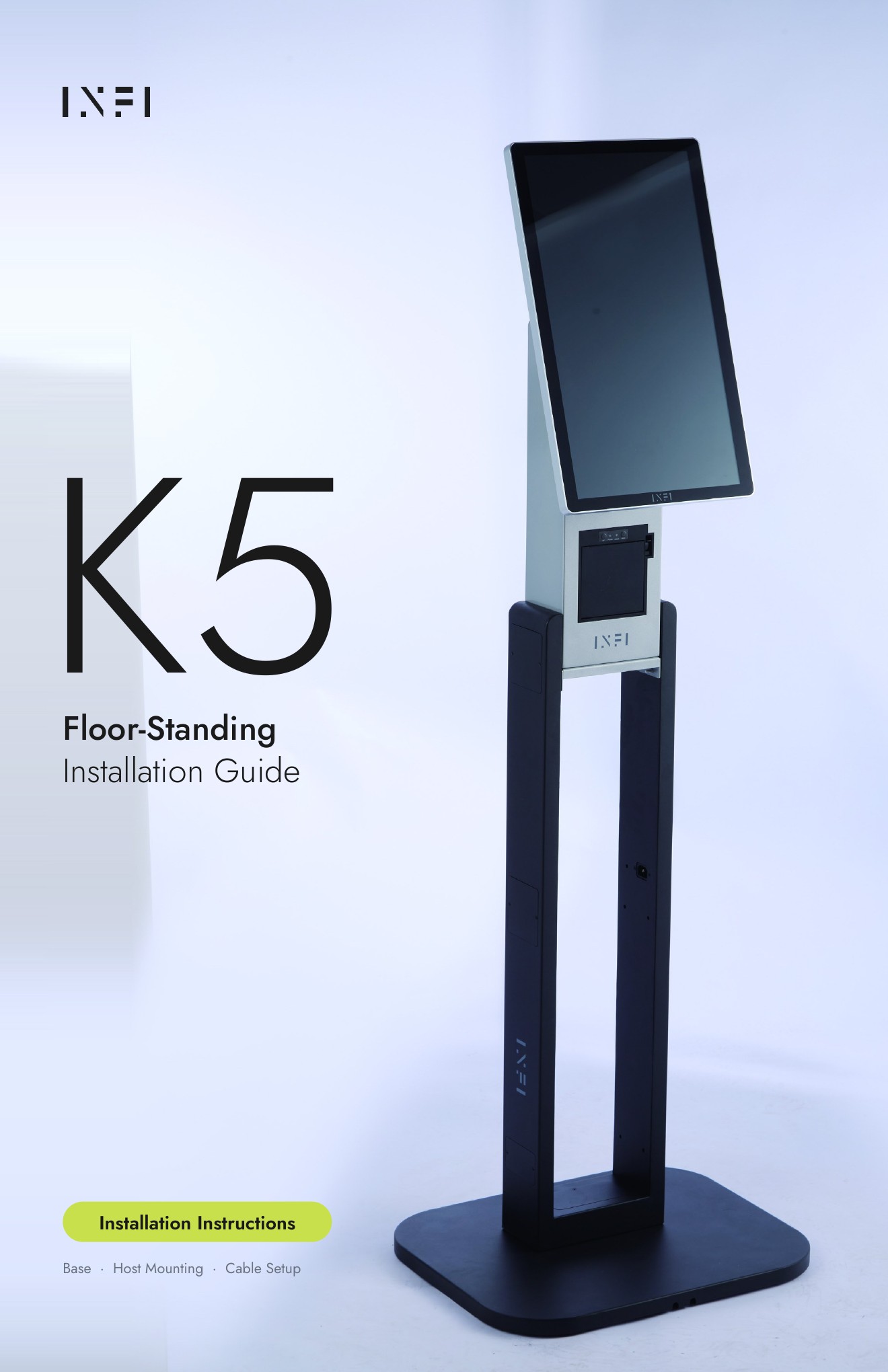
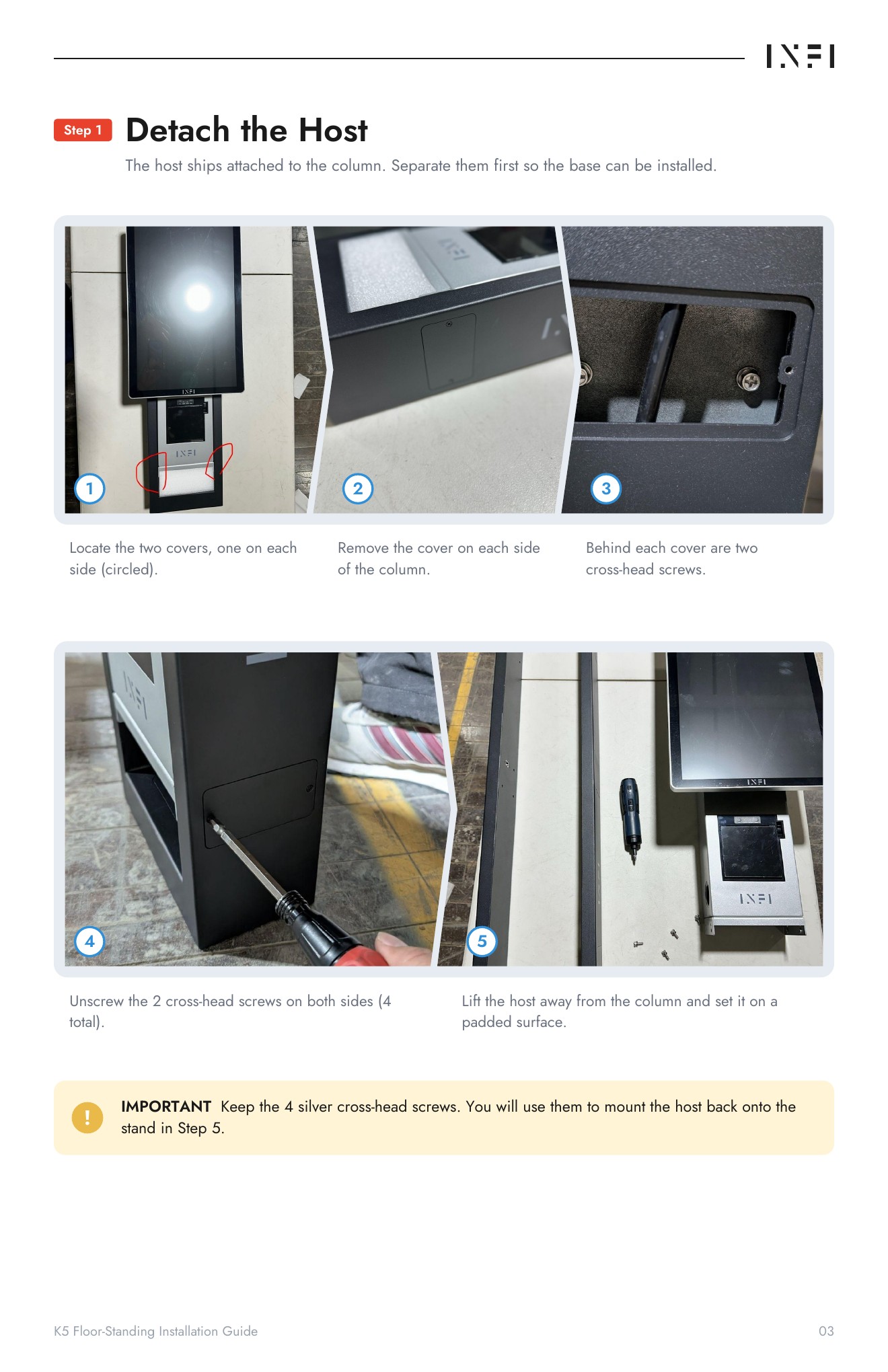
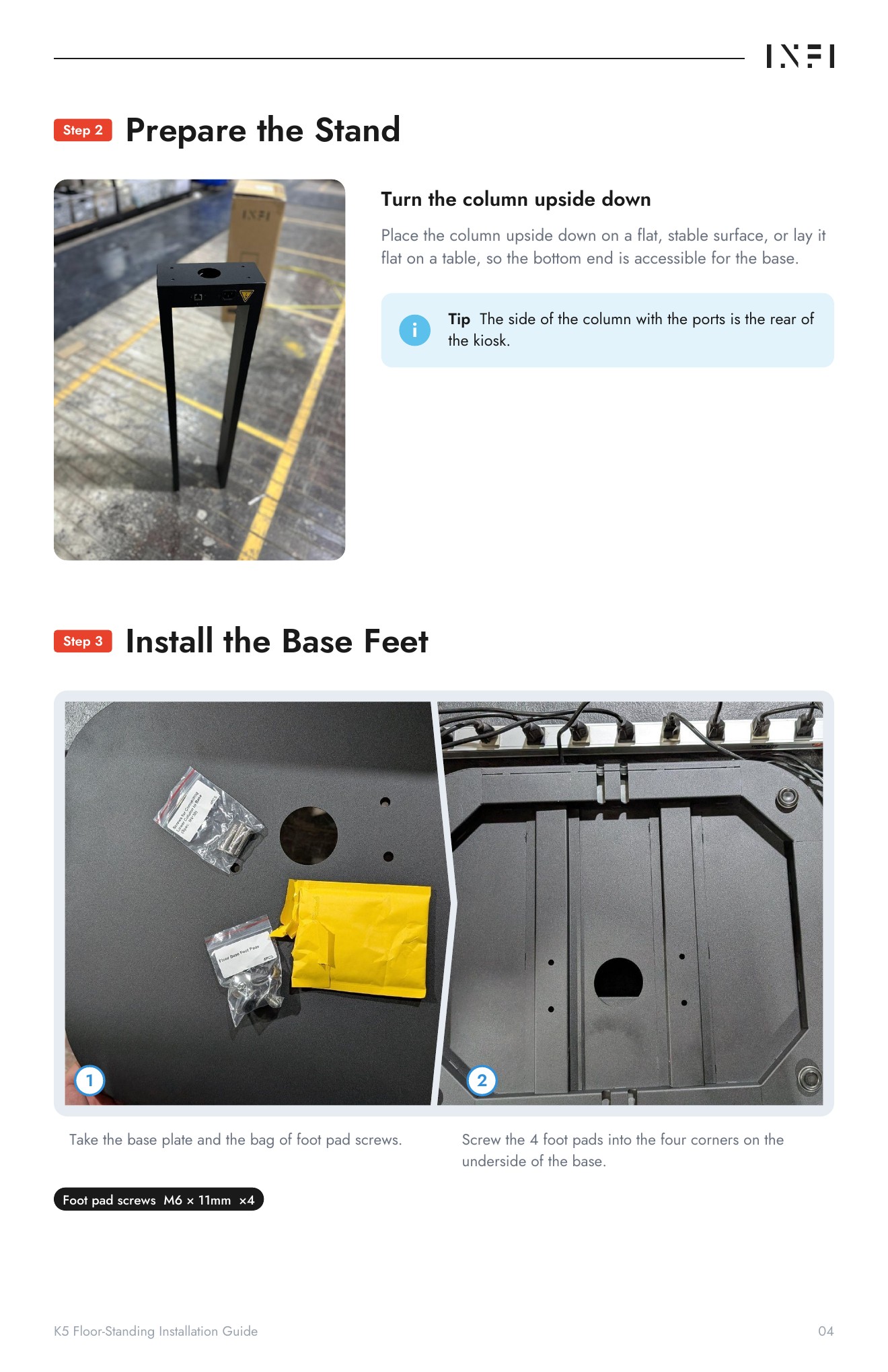
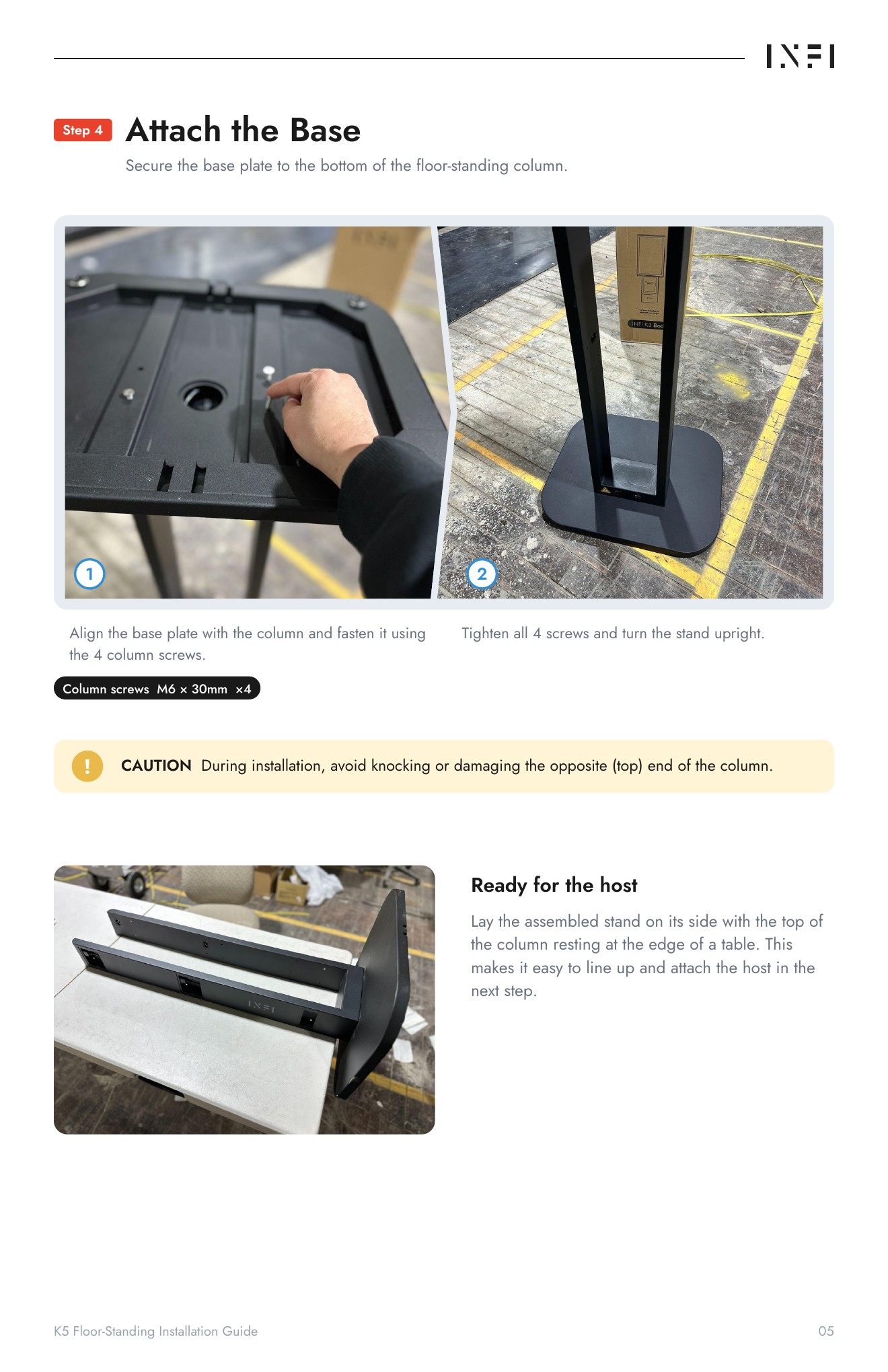
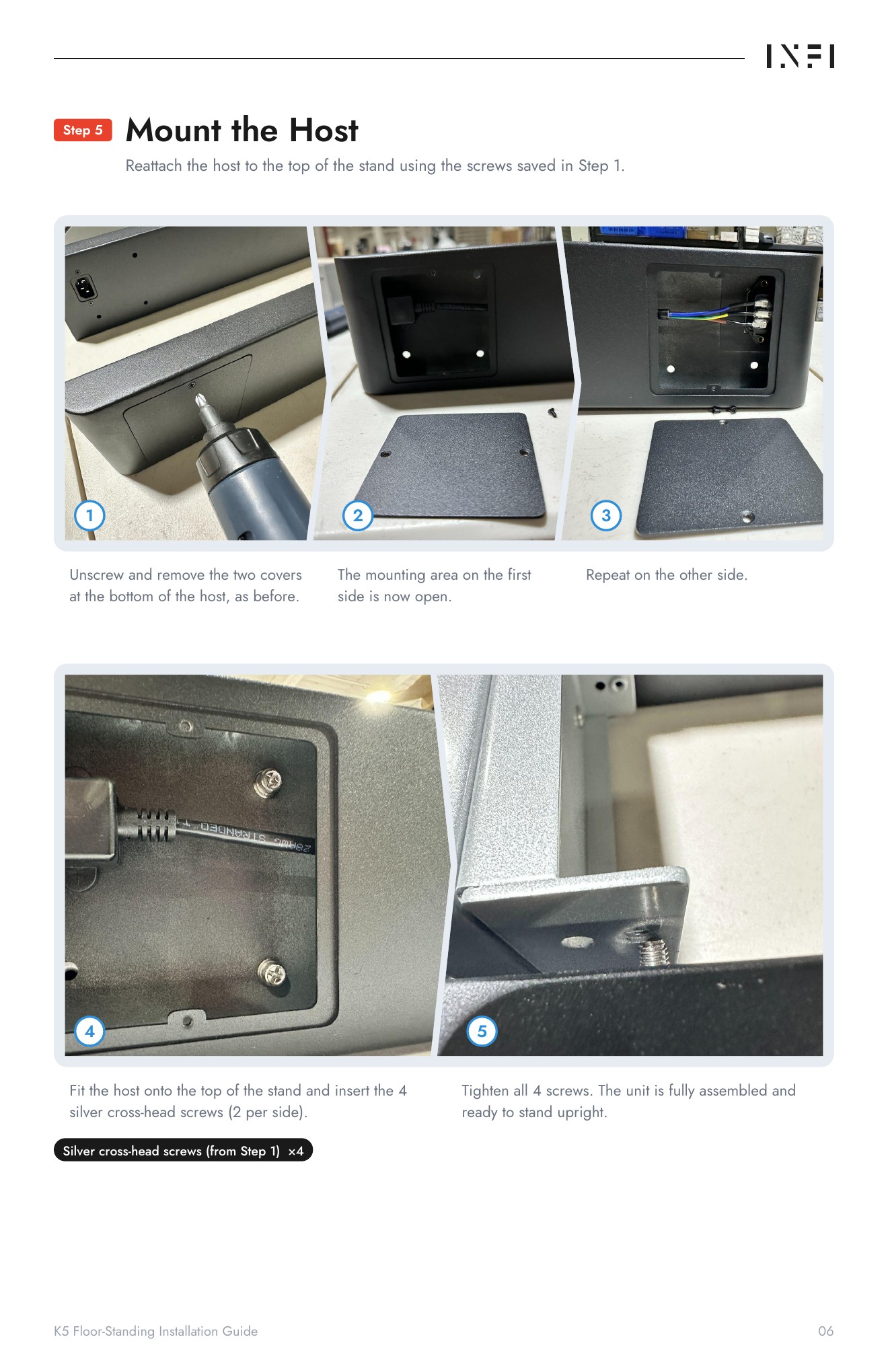
DownloadFloor-standing installation instructions
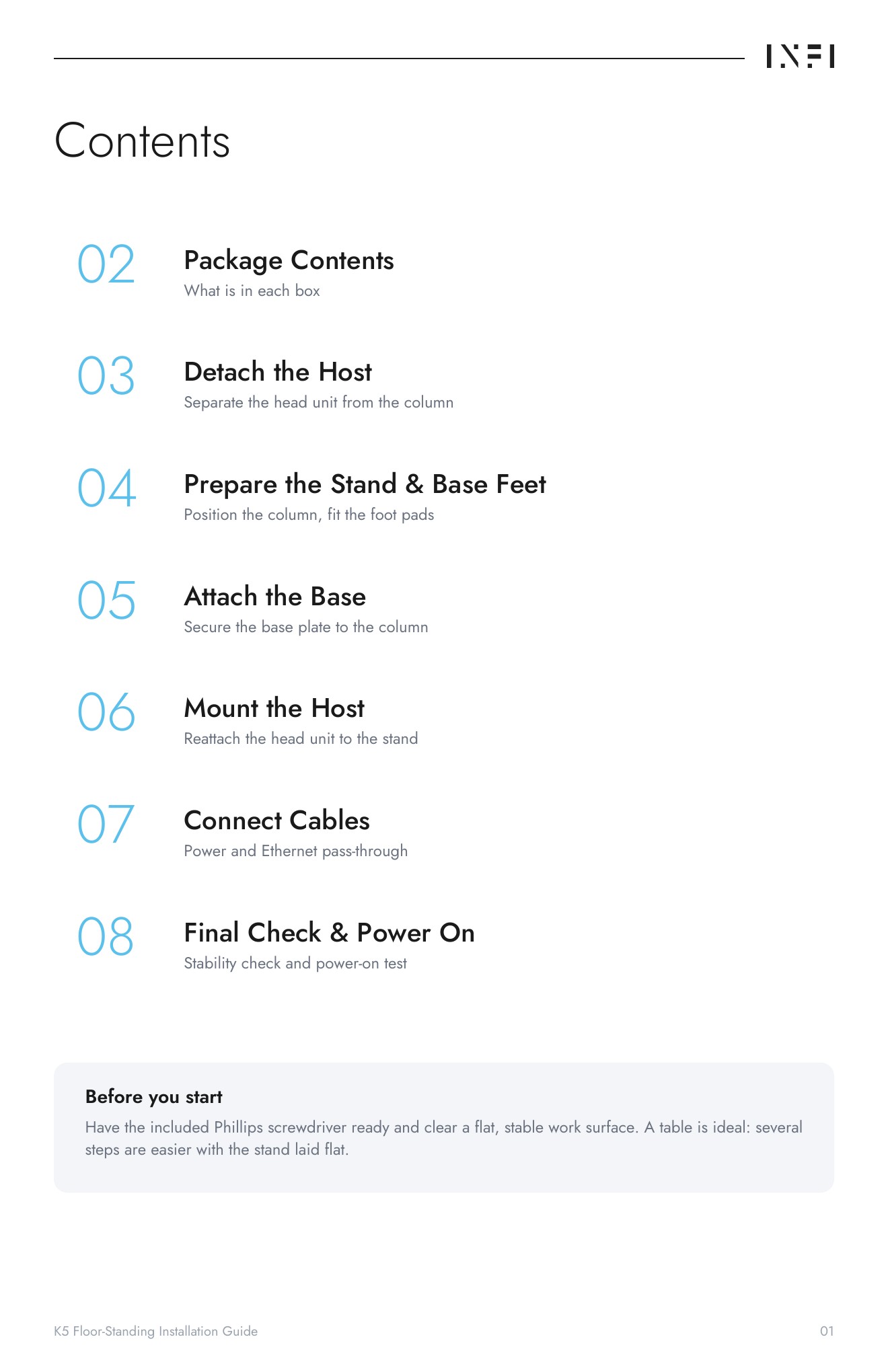
All 9 pages are displayed below. Tap a page to enlarge it, or download the PDF in the QR cards section below.
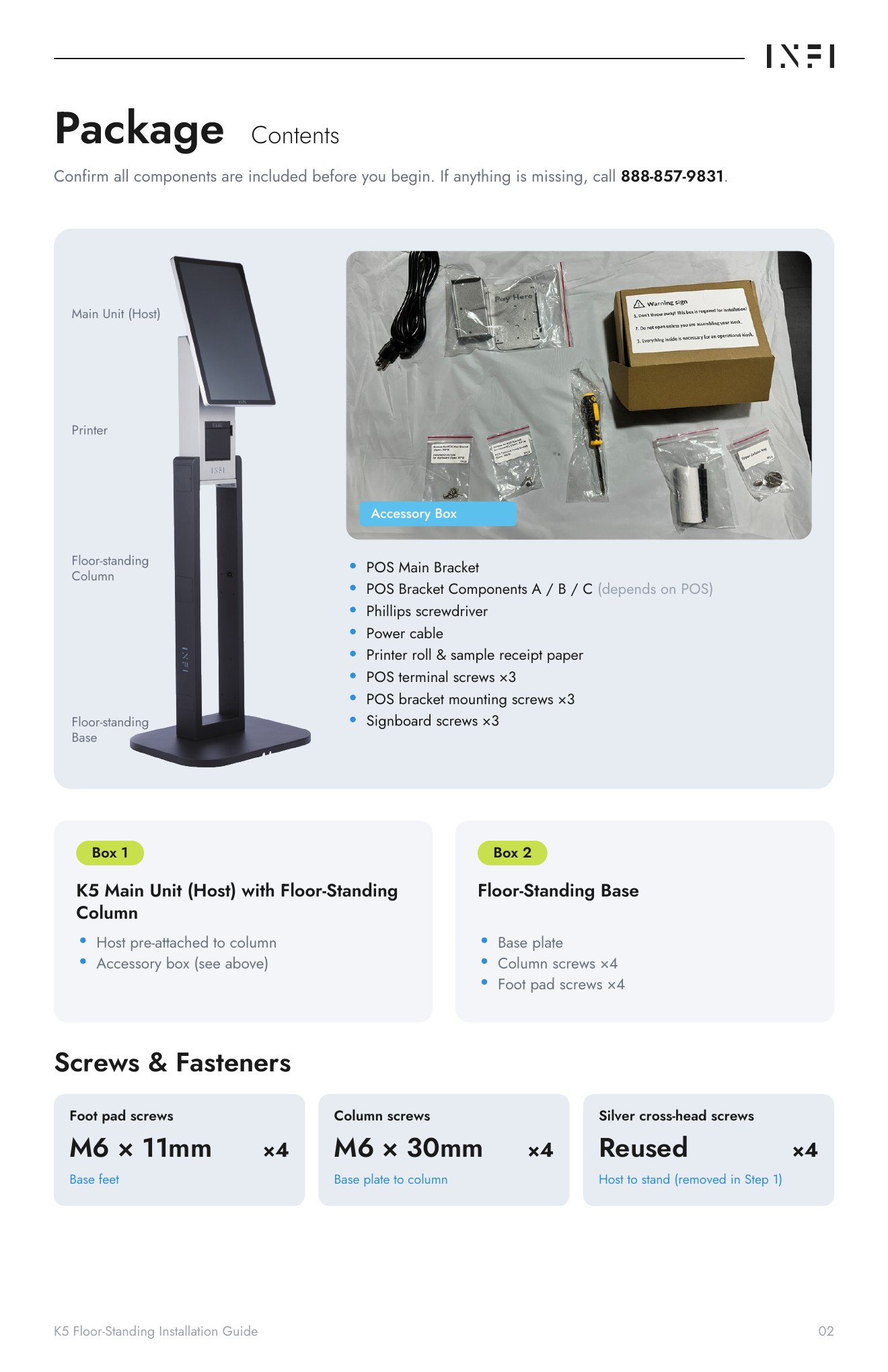
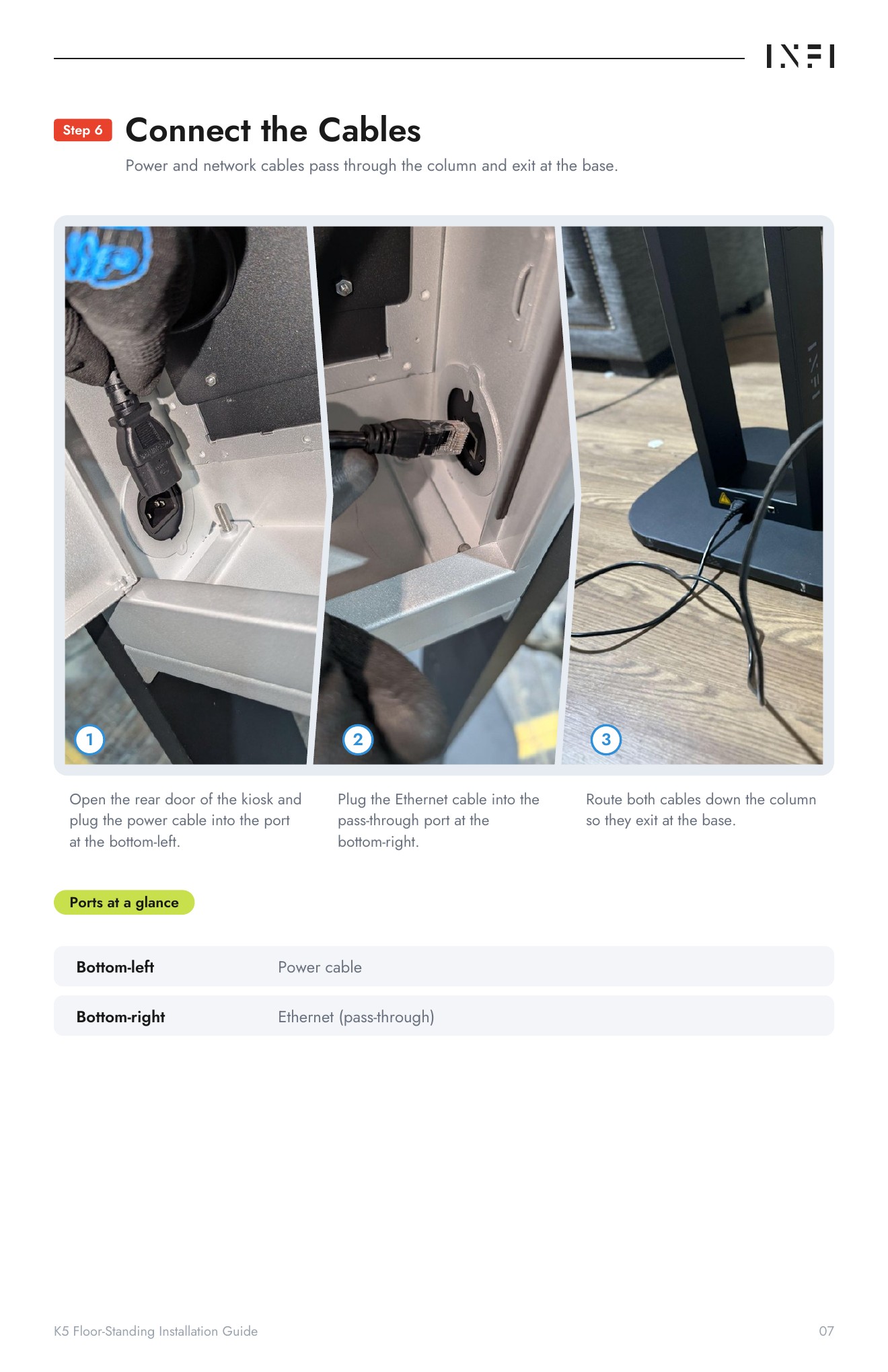
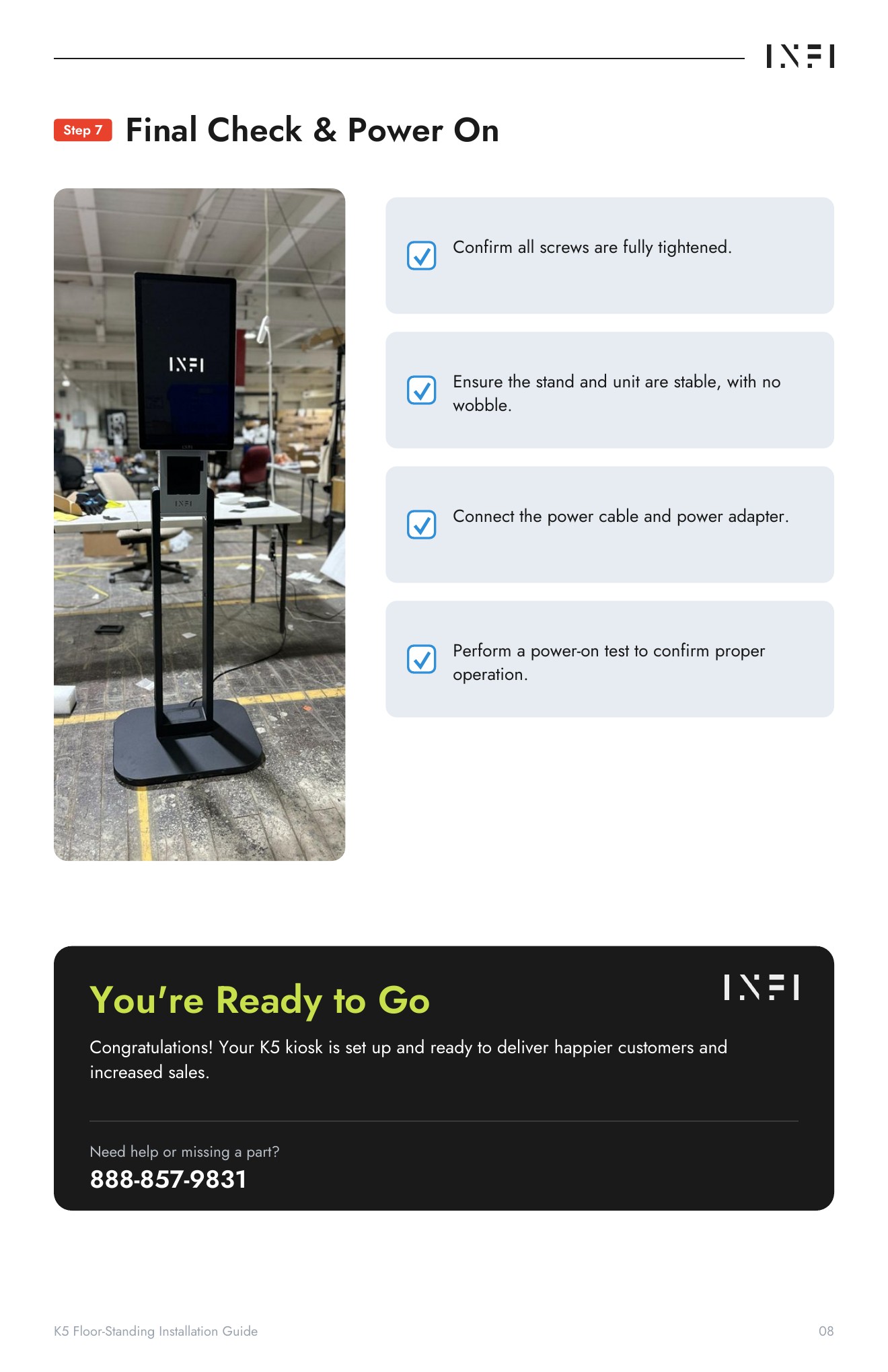
Floor-standing K5 — three main components
Main unit · Column · Floor base
Rotate the models, zoom in, and switch between individual components and the assembled kiosk.
QR cards — optional downloads
Choose a separate Chinese or English card. Both open this installation page.
中文版二维码

English QR card